
Gift Cards


Crypto


Utility


November 28, 2025
The Easiest Way to Pay Your Bills With One App
Share post on


What if I told you you could pay your bills with one app? Just one app. Yes, the Ridima app allows you to pay for electricity, renew your airtime/data, fund your betting wallet, pay for DSTV/GoTV, and pay for Internet/WiFi services.
This means no more switching between multiple platforms, or no more last-minute panic when your electricity suddenly goes off. With Ridima, everything you need is organized in one place. Also, this makes it easy to track your bill payment for a month.
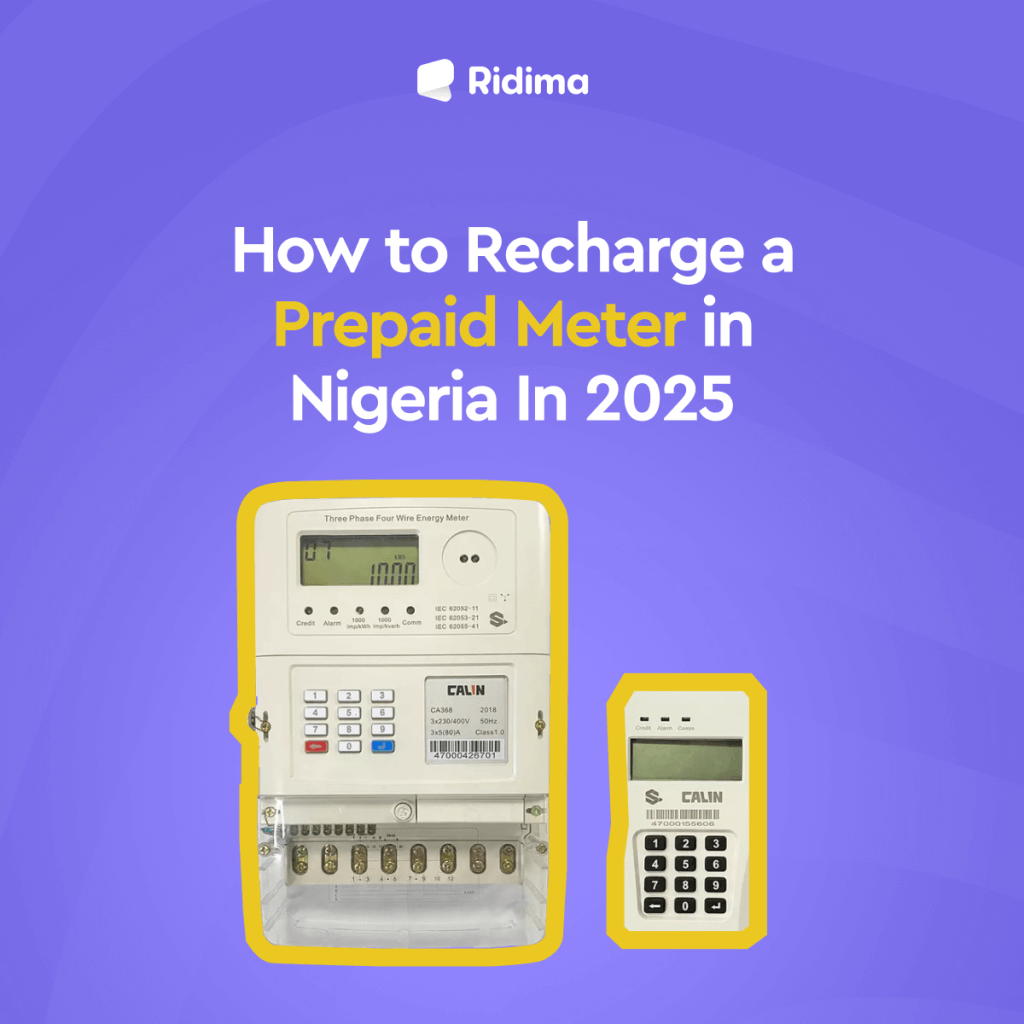
Fig. 1 – Easy Ways to Recharge a Prepaid Meter in Nigeria In 2025.
How to Pay For Electricity Using The Ridima App.
There are several methods to recharge your prepaid meters. However, the best way to recharge your prepaid meter instantly is via the Ridima App.
To avoid being disconnected, here is how to get started;
- Download the Ridima App from the App Store or Google Play Store
- Create an account and fill in your bank and other personal details.
- Fund your wallet with sufficient amounts to easily pay your bills online.
- Select Bill Payment and indicate the category you want to use: Electricity Bills.
- Select the biller for your location, such as Ikeja Electric, IBEDC, etc.
- Input accurate details for the customer ID and the required amount.
- Please confirm the details and proceed with the purchase.
- Authorise the transaction with your PIN.
- You will instantly receive a 20-digit code to enter into your prepaid meter.
- Within a few minutes, your transaction will be completed.
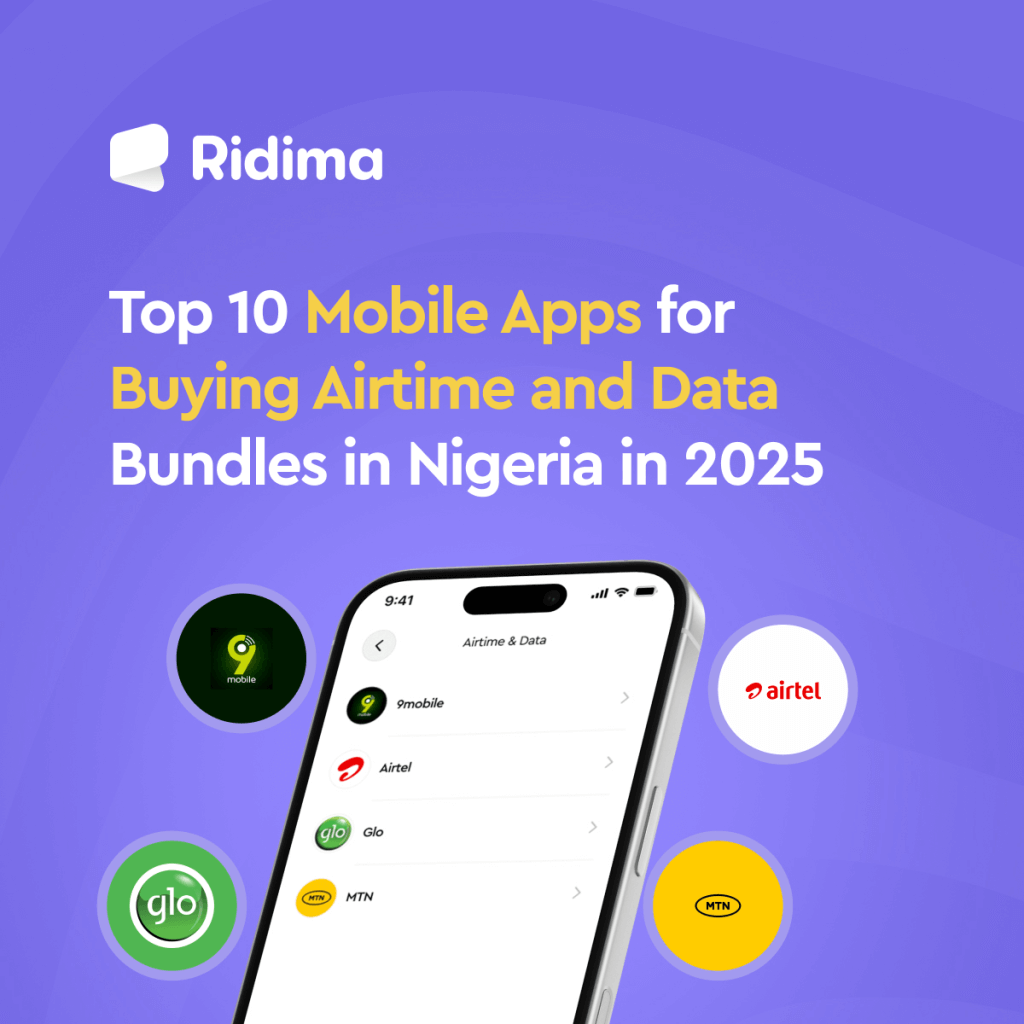
Fig. 2 – Top 10 Mobile Apps for Buying Airtime and Data Bundles in Nigeria in 2025.
How to Buy Airtime/Data Using The Ridima App.
You can also buy airtime and data using the Ridima app. Here is how you can buy airtime and data bundles on Ridima within seconds;
- Log in to the Ridima App, locate, and click on the “Pay Bills” Menu.
- Click on the “Airtime & Data” option.
- Choose either “Airtime” or “Data” and select your “Network” (MTN, Glo, Airtel, or 9mobile).
- If you choose Data, then click the drop-down box to select “Data Plan.”
- Carefully enter your “Phone Number” or the recipient’s Phone Number.
- Enter the “Amount” you need for Airtime, while for Data, the price automatically appears once you select the data plan.
- Click “Refill,” and you are done.
- Your mobile number will be recharged, and the price will be deducted from your wallet balance.
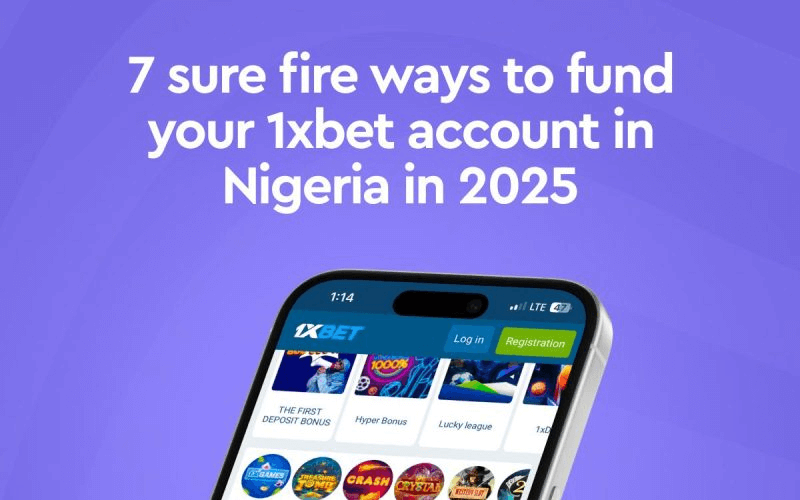
Fig. 3 – 7 Surefire Ways to Fund Your 1xBet Account in Nigeria In 2025.
How to Fund Your Betting Wallet Using The Ridima App.
Here is how to fund your betting wallet using the Ridima app;
See how to begin:
- Download the Ridima App from the Play Store for Android devices or the App Store for Apple devices.
- Create a Ridima account if you are a new user.
- Log in if you are an existing user.
- Click on Pay Bills to get started.
- Click on Betting Wallet.
- Click on the Select Provider dropdown to select 1xBET.
- Input your number in the Customer ID.
- Use the Enter Amount to determine how much funding you want.
- Verify to confirm your activities.
- Input your PIN to authorize the transaction.
Fig. 4 – How To Pay Your DStv Subscription Online in Nigeria.
How to Pay For Your DSTV/GoTV Using The Ridima App.
If you want to make your DSTV/GoTV Subscription payment in a few steps, Ridima is here to help you. See how;
- Download the Ridima App from the App Store or Google Play Store.
- Create an account and fill in your bank and other personal details.
- Fund your wallet with a sufficient amount to easily pay for your DStv.
- Select Bill Payment and indicate the category you want to use: TV cables.
- Select the biller for your payment, DStv.
- Input your IUC number or the customer ID and select the desired subscription price.
- Confirm the details and proceed with the purchase.
- Authorise the transaction with your PIN.
- Within a few minutes, your transaction will be completed.
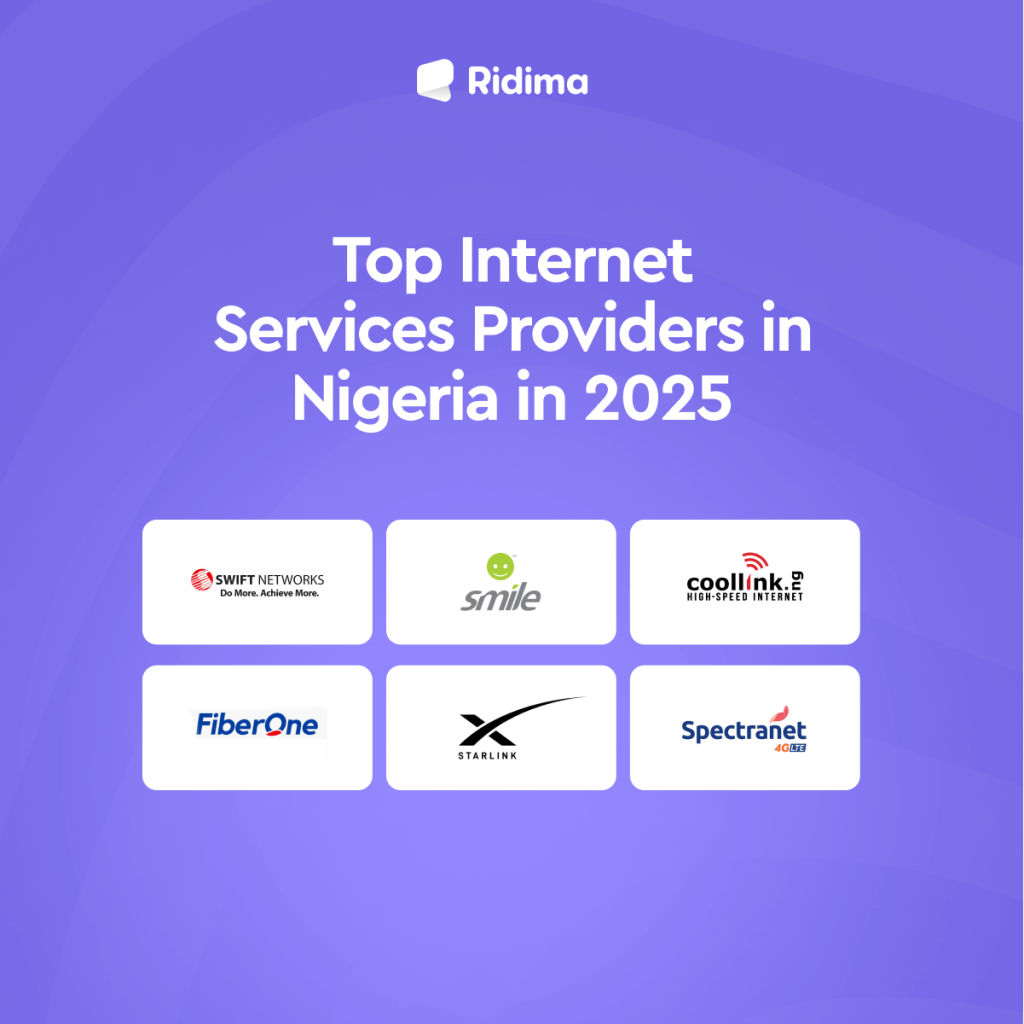
Fig. 5 – Best Top Internet Services Providers In Nigeria In 2025.
How to Pay For Internet/WiFi Using The Ridima App.
If you want to renew your Internet/WiFi Subscription payment in a few steps, Ridima is here to help you. See how using Smile as an example;
- Download the Ridima App from the App Store or Google Play Store.
- Create an account and fill in your bank and other personal details.
- Fund your wallet with a sufficient amount to recharge your Smile account.
- Select Bill Payment and indicate the category you want to use: Internet/WiFi.
- Select the biller for your payment, Smile.
- Choose a plan and select the desired subscription price.
- Confirm the details and proceed with the purchase.
- Authorise the transaction with your PIN.
- Within a few minutes, your transaction will be completed.
Frequently Asked Questions About How to Pay Your Bills with One App.
Here are some of the frequently asked questions about how to pay your bills with one app
Question 1: Can I really pay all my bills in one place using the Ridima app?
Yes. With the Ridima app, you can pay for electricity, airtime/data, Internet/WiFi, betting wallets, DSTV/GoTV from one dashboard.
Question 2: Is the Ridima app safe for online bill payments?
Absolutely. Ridima uses secure payment gateways, PIN authorization, and encryption to protect your transactions and personal details.
Question 3: How fast will my bill payment be processed?
Payments are processed instantly and confirmation usually happens within seconds.
Question 4: Do I need to fund my wallet before paying bills?
Yes. Funding your Ridima wallet allows easy checkout and faster payments. You can fund it anytime using your bank or preferred payment method.
Question 5: What should I do if my transaction fails or I enter the wrong details?
If you enter incorrect details or your transaction fails, you can contact Ridima support through the app for quick assistance. Always double-check your customer ID or meter number before confirming.
Conclusion
Managing your bills doesn’t have to be stressful or time-consuming. With the Ridima app, you can handle electricity, airtime, data, TV subscriptions, betting wallets, and Internet payments all in one place.
Download the Ridima app to stay organized, avoid late payments, or just simplify your monthly routine. Ridima makes it easy to manage your bills.
Download the app today and enjoy the freedom to pay your bills with one app.
If you enjoyed this, read more here;
7 Best Gift Cards for Teachers to Show Your Appreciation
Why Do Gift Cards Have Varying Rates?
15 Types of Popular Gift Cards Available in Ghana.
How to use AMEX gift card to make payments on Amazon
American express gift cards everything you need to know about them



Ridima is a giftcard trading platform available on Android, IOS, & Web.


For marketing and partnerships: marketing@myridima.com
support@myridima.com
© 2026 Ridima. All Rights Reserved