
Gift Cards


Crypto


Utility


June 26, 2025
Razer Gold Gift Card Errors And How To Fix Them In October 2026.
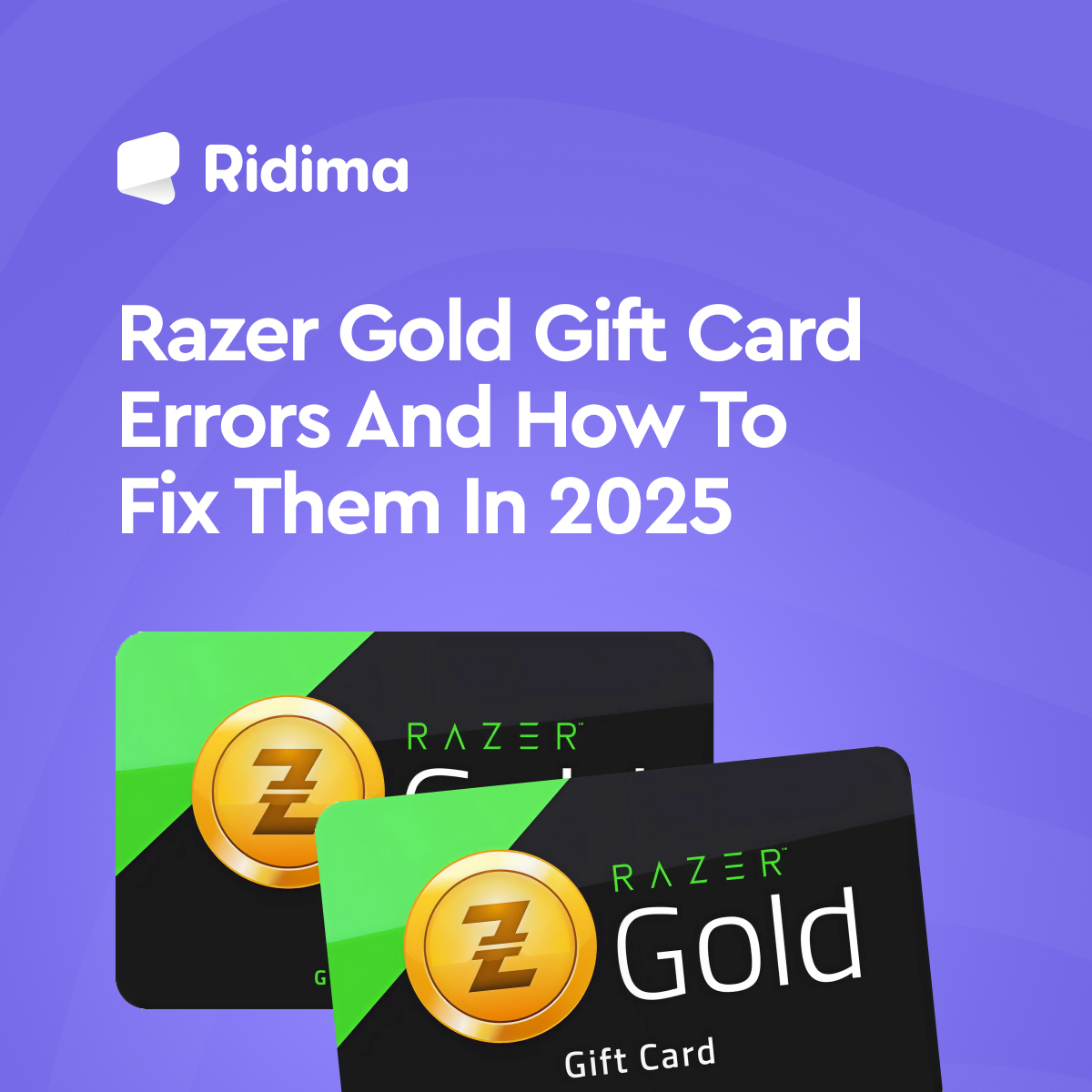
Share post on


Errors are a part of our daily affairs. However, they can be frustrating at times, especially when we really need a solution. As such, this content is on Razer Gold gift card errors and how to fix them in 2025. The goal is to help eliminate potential errors and ensure a smooth affair.
I love my Razer Gold gift card because it opens unrestricted access to the entertainment world. A Razer Gold gift card can be used to buy games, virtual currencies, gaming hardware (such as laptops), and apparel. Also, you can use your gift card to purchase rare collections and exclusive items.
5 Common Razer Gold Gift Card Error Messages and Their Solutions
Here are the five common Razer Gold gift card errors you may encounter;
- Not Activated
A “Not Activated” Razer Gold error indicates that the card has not been properly registered. It is advisable to activate your gift cards to ensure they work properly. So, what should you do if this happens?
The Solution;
- Confirm the card was properly purchased
The cashier might forget to activate the card at the point of sale. If you bought it yourself, check your receipt for the activation code or confirmation. If it’s missing, go back to the store with proof of purchase and ask them to activate it.
- Double-check where you bought the card.
If you got the card from an unreliable source, there’s a chance it was never activated or even tampered with. Always buy from trusted vendors or platforms, such as Ridima, when trading or receiving gift cards.
- Contact Razer Gold Support
If you are sure the card should be activated but it still won’t work, contact Razer Gold Support. Ensure you have all your card details ready. The agent may require the code, purchase details, and a photo of the card, if possible. With that, they can verify the card’s status and guide you through the next steps.
- Be patient, but act fast.
Sometimes there’s just a delay between activation and availability. Wait a few minutes and try again. If it still fails, refrain from continuous attempts, as this can trigger a lock on your Razer Gold account. Take action early. You can seek other help.
- Unrecognised or Invalid Claim Code
This error typically appears when the card has not been activated yet or the code was entered incorrectly. It’s easy to mix up characters like “O” and “0” or “I” and “1.” If your Razer gift card is not working, double-check the code and ensure the card was properly activated at the time of purchase. Still having issues? Here’s what to do next.
The Solution;
Here are possible solutions for this Razer Gold gift card error;
- Confirm Activation: If you bought the card yourself, return to the store (physical or online) and ask them to verify that it was activated at checkout. Without activation, the card won’t work.
- Check the Code Carefully: Re-enter the code and pay close attention to characters that resemble each other. Don’t confuse:
“O” with zero (0)
“I” with one (1)
“B” with eight (8)
Try Another Device or Browser: If everything looks right but it is still not working, switch devices or use another browser. Some browsers’ auto-fill features can interfere with input fields. Try entering the code manually to ascertain every detail.
Contact Razer Gold Support: If you have confirmed activation and the code is correct, but it still won’t redeem, reach out to Razer Gold Support. Provide them with:
- A clear photo of the card (if physical)
- Purchase receipt
- Full code (typed, not just in photos)
Razer Gold may be able to resolve the issue or issue a replacement.
- Region Restrictions
You will most likely experience Razer Gold card failure if you try to redeem it in an unsupported region. Speaking from experience, this was the challenge I faced because I wanted to redeem a Razer Gold gift card I bought in the USA in Nigeria. The currency of the card’s code is different from that of Nigeria, but there is a solution.
The Solution;
The most appropriate solution for the Razer Gold gift card region error is to contact the Razer Gold gift card customer service for support. Another important solution is to always patronise local vendors like Ridima for your Razer Gold gift card. That way, you can totally avoid issues like this.
- Already Redeemed Gift Card
This error is straightforward, as it simply indicates that the gift card has already been used. This often occurs when dubious vendors sell used cards to their customers. On rare occasions, you may receive this message if you enter a code that matches a used gift card instead of your card code.
The Solution;
Buy your gift cards from a credible platform like Ridima. If you are certain about the source of your gift card, you can double-check your code.
- Temporary Server Problems
This error occurs when the website is under maintenance or experiencing unusual traffic. Server problems are not serious.
The Solution:
The solution is to wait and try again at a later time.
Frequently Asked Questions About Errors Associated with Razer Gold Gift Cards
Here are some of the frequently asked questions about errors associated with Razer Gold gift cards;
Question 1: How can I check if my Razer Gold gift card is valid?
You can redeem the Razer Gold gift card through your Razer Gold account. If the gift card is still valid, the funds will be added to your account balance.
Question 2: How long does it take for a Razer Gold gift card to activate?
A Razer Gold gift card is activated immediately after you redeem it. However, if you have a brand-new Razer Gold account, you may notice a slight delay due to additional verification steps for security reasons.
Question 3: Can I redeem a Razer Gold gift card while offline?
No, you need to have access to an active internet connection to redeem a Razer Gold gift card.
Question 4: Why is my Razer Gold gift card not working?
Your Razer Gold gift card may not be working for several reasons. Common reasons include improper activation, using the incorrect code, or regional restrictions. Check the earlier part of this article to see the solution for each problem.
Question 5: Why is my Razer Gold gift card saying invalid?
An invalid error indicates that you are entering the wrong code or your card is not properly registered. Verify the code before entering it, or confirm the activation status of your card before redeeming it.
Question 6: What should I do with a Razer Gold gift card if I don’t need it?
The best thing to do with an unwanted Razer Gold gift card is to gift a friend who loves games or trade it for instant cash on Ridima.
Conclusion
Errors may be part of life, but they don’t have to ruin your experience, especially not when it comes to something as valuable as a Razer Gold gift card. Whether you are using it to enjoy exclusive gaming content, buy virtual gear, or treat yourself to something cool, knowing how to fix common issues puts you in control.
This guide provides the exact steps to troubleshoot and resolve each challenge. And remember, buying from trusted platforms like Ridima can save you a great deal of stress altogether. So, the next time your Razer Gold gift card acts up, stay calm, follow the steps, and get back to enjoying your gaming world.
References
https://prestmit.io/blog/razergold-gift-card-scam-watch-out-year
If you enjoyed this article, read more here.
https://www.myridima.com/blogs/how-to-use-amex-gift-card-to-make-payments-on-amazon
https://www.myridima.com/blogs/american-express-gift-cards-everything-you-need-to-know-about-them
https://www.myridima.com/blogs/200-amex-gift-card-to-naira
https://www.myridima.com/blogs/how-much-is-100-amex-giftcard-to-naira
https://www.myridima.com/blogs/how-much-is-500-amex-gift-card-to-naira
https://www.myridima.com/blogs/how-much-is-500-amex-gift-card-to-naira
https://www.myridima.com/blogs/how-to-transfer-your-amazon-gift-card-to-your-bank-account
https://www.myridima.com/giftcard/calculator
https://www.myridima.com/blogs/top-10-gift-cards-with-high-rates-in-nigeria
https://blog.myridima.com/how-to-get-free-steam-cards-online-2024/
https://www.myridima.com/blogs/apple-gift-cards
https://www.myridima.com/blogs/how-to-check-apple-gift-card-balance
https://www.myridima.com/blogs/how-much-is-an-apple-gift-card-in-nigeria-today
https://www.myridima.com/blogs/cardtonic-vs-ridima-best-app-to-sell-gift-cards
https://www.myridima.com/blogs/how-to-redeem-gift-card-in-nigeria-in-2024
https://www.myridima.com/blogs/how-to-determine-the-rate-of-gift-cards
https://www.myridima.com/blogs/how-to-sell-gift-cards-in-nigeria



Ridima is a giftcard trading platform available on Android, IOS, & Web.


For marketing and partnerships: marketing@myridima.com
support@myridima.com
© 2026 Ridima. All Rights Reserved