
Gift Cards


Crypto


Utility


July 1, 2024
How to Use Visa Gift Cards
Share post on


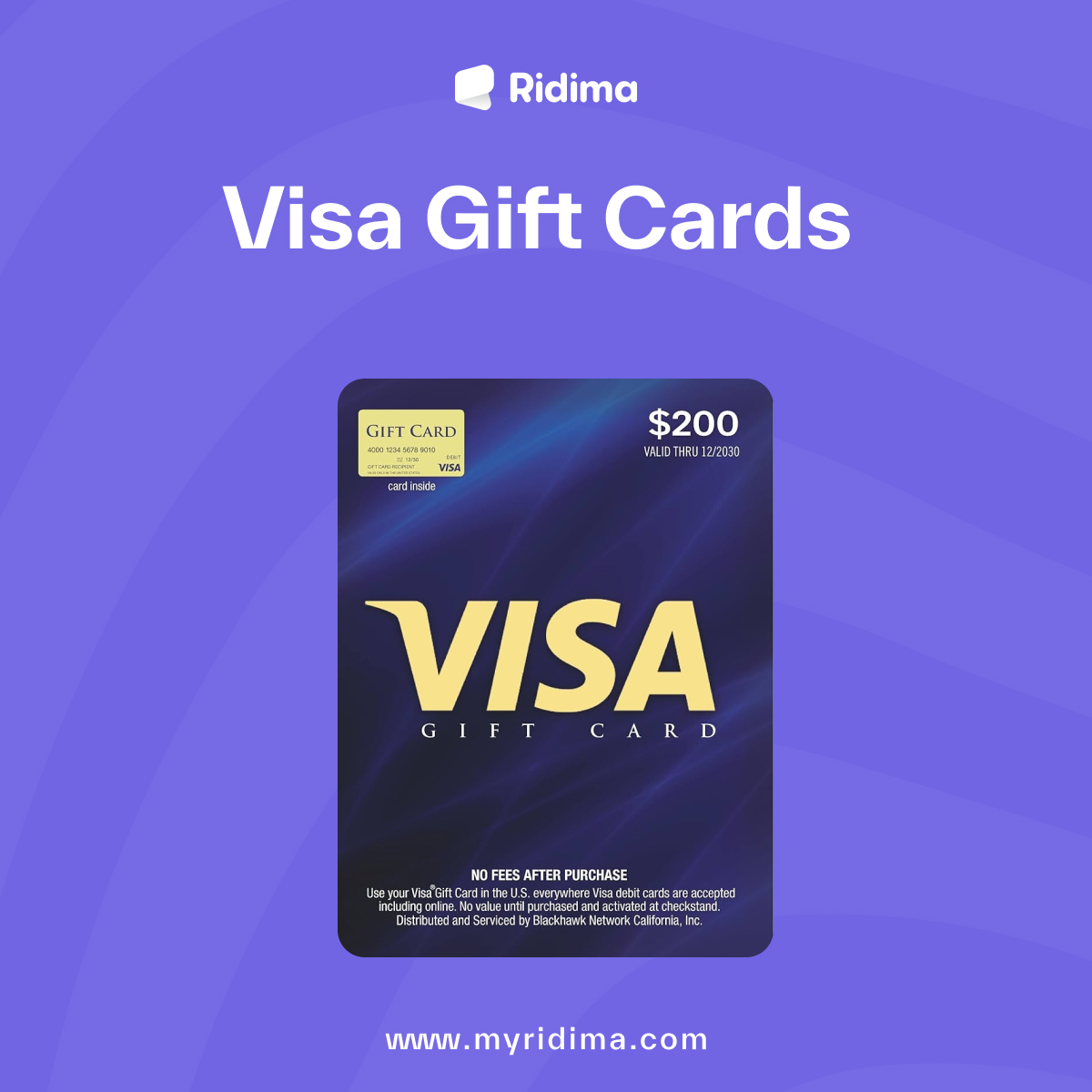
Visa gift cards are popular presents due to their versatility and ease of use. They provide the recipient with the freedom to purchase almost anything they desire, whether it’s a new gadget, clothing, or even groceries.
However, using a Visa gift card online can sometimes be confusing, especially for those who are not familiar with the process. This guide will walk you through everything you need to know to use your Visa gift card online effectively.
What is a Visa Gift Card?
Visa gift cards are a convenient and flexible gifting option, allowing recipients to shop both in-store and online. While using them in a physical store is straightforward, using them online requires a bit more knowledge and preparation. This blog will cover the following aspects:
- Activating Your Visa Gift Card
- Registering Your Card
- Using Your Card for Online Purchases
- Troubleshooting Common Issues
- Maximizing Your Visa Gift Card
1. Activating Your Visa Gift Card
Before you can use your Visa gift card online, you need to activate it. See the process below;
Step-by-Step Activation Process
- Check the Packaging: The instructions for activation are usually provided on the card’s packaging or on a sticker attached to the card.
- Visit the Website or Call: Typically, you’ll need to visit a website or call a toll-free number to activate the card. Be prepared to enter the card number, expiration date, and the CVV code.
- Follow the Instructions: Complete the activation process by following the on-screen or verbal instructions. Once activated, your card is ready to be used.
2. Registering Your Card
Registering your Visa gift card is crucial for online purchases. Many online retailers require the billing address to match the address on file for the card. Here’s how to register your card:
How to Register
- Visit the Issuer’s Website: The card issuer’s website should be listed on the back of the card.
- Enter Your Card Information: You’ll need to provide the card number, expiration date, and CVV code.
- Provide Your Address: Enter your name and address exactly as you would for a credit card.
- Submit the Information: Complete the registration process and save the confirmation.
3. Using Your Card for Online Purchases
Once your card is activated and registered, you can start using it for online shopping. Here’s how to make a purchase:
Making a Purchase
- Select Your Items: Add the items you want to purchase to your shopping cart.
- Proceed to Checkout: When you’re ready to buy, go to the checkout page.
- Enter Card Information: Provide your Visa gift card number, expiration date, and CVV code. Ensure the billing address matches the one you registered with the card.
- Confirm and Complete the Purchase: Review your order details and complete the transaction.
4. Troubleshooting Common Issues
Sometimes, you might encounter issues while trying to use your Visa gift card online. Here are some common problems and how to solve them:
Common Issues and Solutions
- Card Declined: Ensure that the card is activated and registered. Check the balance to make sure you have enough funds for the purchase.
- Incorrect Information: Double-check that the card number, expiration date, CVV code, and billing address are entered correctly.
- Partial Payments: Some retailers do not allow split payments between a Visa gift card and another payment method. Confirm the retailer’s payment policies.
- Address Mismatch: Ensure the billing address you provided matches the address registered with the card.
5. Maximizing Your Visa Gift Card
To get the most out of your Visa gift card, consider these tips and tricks:
Tips for Maximizing Usage
- Track Your Balance: Regularly check your card balance online or by phone to avoid declined transactions.
- Use for Small Purchases: If your card has a small balance left, use it for smaller purchases or bills.
- Combine Balances: Some retailers allow you to combine the balance of your Visa gift card with another form of payment.
- Avoid Holds: When using your card for services like car rentals or hotel reservations, be aware that these merchants may place a hold on your card, reducing your available balance temporarily.
Where to Buy Visa Gift Cards in Nigeria
You might be wondering, “Why Ridima?” Ridima is the leading gift card exchange platform in Nigeria. On Ridima, you can purchase different gift cards at the best prices in the country and receive them almost immediately once your payment is confirmed.
In addition, Ridima is secure, fast, user-friendly, and highly responsive to customer complaints. Here is how to buy your Visa gift card on Ridima;
Step 1: Download The Ridima Application
Open your Ridima app and log into your account. If you don’t have the app, you can download it from the Google Play Store for Android devices and the App Store for iOS users.
Step 2: Register on Ridima
To register on Ridima, you’ll need to provide your name, phone number, email address, and bank account number. Once you’ve verified your email, you’ll be ready to go.
Step 3: Purchase Visa Gift Cards on Ridima
Things get interesting at this step. You can purchase Visa gift cards from Ridima by following these simple steps:
- Open your Ridima app and tap on “Buy Gift Cards.”
- Choose the United States as the gift card country.
- Select Visa Prepaid Card as your preferred gift card.
- Enter the card unit and amount, then proceed to payment.
- Proceed to payment.
Remember to keep track of your balance and be aware of potential issues to ensure a smooth shopping experience. With these tips, you’ll be well-equipped to use your Visa gift card online with confidence.
Conclusion
Visa gift cards are a versatile and valuable gift, offering recipients the freedom to choose their purchases. By following the steps outlined in this guide, you can easily navigate the process of using your Visa gift card online, making the most out of this convenient payment method.
Whether you’re buying gifts, treating yourself, or managing small expenses, these cards provide a secure and flexible way to handle your purchases. Happy shopping!



Ridima is a giftcard trading platform available on Android, IOS, & Web.


For marketing and partnerships: marketing@myridima.com
support@myridima.com
© 2026 Ridima. All Rights Reserved