
Gift Cards


Crypto


Utility


July 24, 2024
How to Use a Vanilla Gift Card Online
Share post on


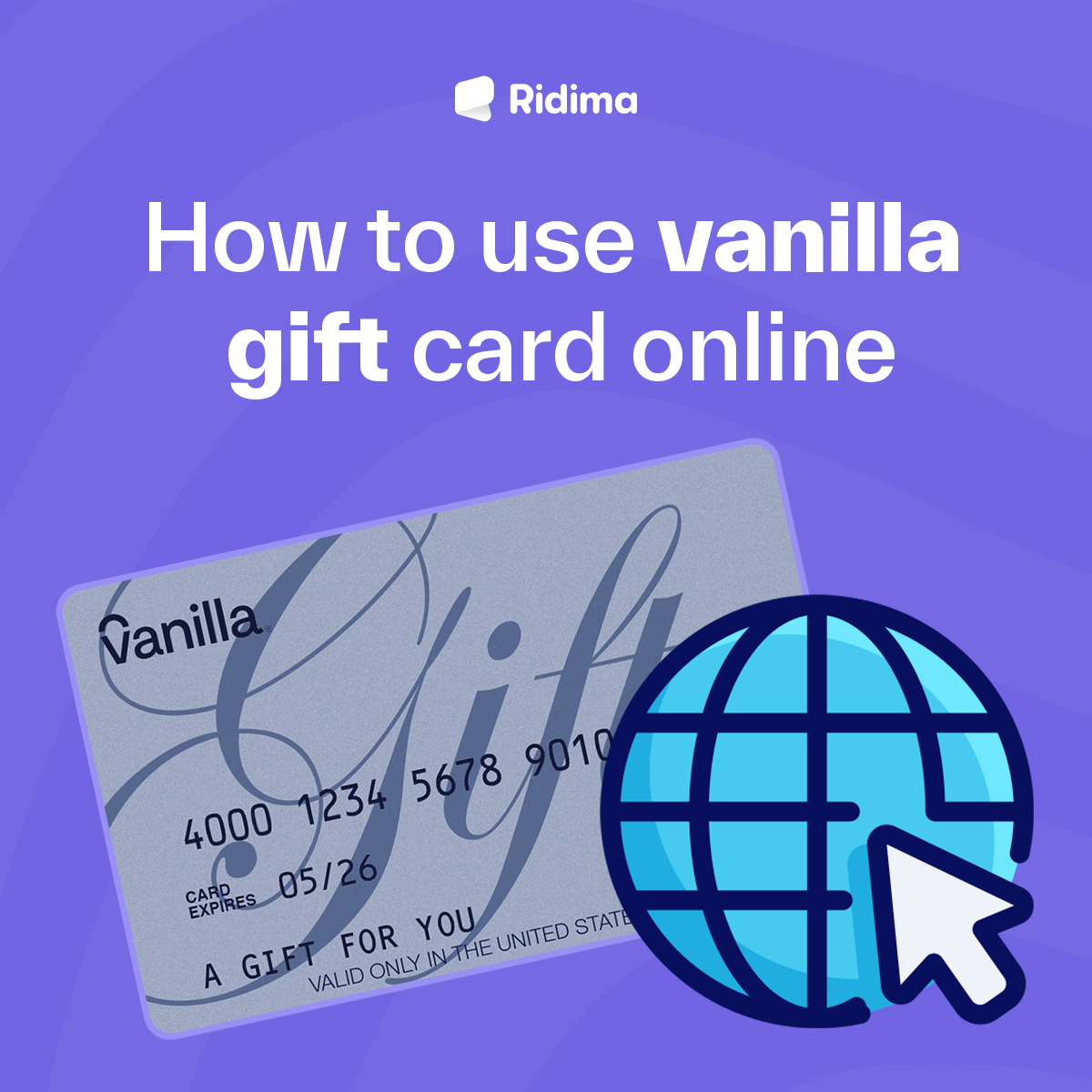
Vanilla gift cards, with their convenience and flexibility, are a versatile choice for online shopping. They can be used almost anywhere that accepts Visa or Mastercard. While using them online can sometimes be tricky due to balance checks, address matching, and other factors, this comprehensive guide will walk you through how to use a Vanilla Gift Card online. Let’s go.
Vanilla gift cards are a popular choice for their ease of use and flexibility. Whether you’ve received one as a gift or purchased it for yourself, learning how to use it online can enhance your shopping experience. This guide covers everything from registering your card to making purchases and troubleshooting common issues.
Understanding Vanilla Gift Cards
Vanilla gift cards, as prepaid cards, can be used anywhere Visa or Mastercard is accepted. They are not linked to a bank account or credit line, ensuring a safe and easy use. However, they do have a fixed balance that cannot be reloaded.
Registering Your Vanilla Gift Card
Registering your Vanilla gift card is a crucial step before using it online. This process not only protects your card in case of loss or theft but also ensures that your billing address matches the one you provide when shopping online, thereby enhancing your security and shopping experience.
Steps to Register:
- Visit the Official Website: Go to the website listed on the back of your Vanilla gift card.
- Enter Card Details: Input the card number, expiration date, and security code (CVV).
- Provide Your Information: Enter your name and address as you would for a credit card.
Checking the Balance
Knowing the exact balance on your Vanilla gift card is essential before making an online purchase. You can check the balance by:
- Visiting the Website: Go to the official Vanilla gift card website.
- Calling Customer Service: Use the toll-free number provided on the back of the card.
- Using the Mobile App: If available, download the app and check your balance.
Using Your Vanilla Gift Card Online
At Major Retailers
Most major retailers accept Vanilla gift cards. Here’s how to use your card during checkout:
- Select Your Items: Add items to your cart and proceed to checkout.
- Enter Payment Information: Choose “Credit or Debit Card” as the payment method.
- Input Card Details: Enter the card number, expiration date, and CVV. Use the registered address for billing.
For Subscription Services
Many subscription services, such as Netflix or Spotify, accept Vanilla gift cards. Here’s how to set it up:
- Log In or Create an Account: Access your account or sign up for a new one.
- Navigate to Payment Settings: Find the section for adding or updating payment methods.
- Add Your Card: Enter your Vanilla gift card details as you would with any credit card.
On Travel Booking Sites
Using a Vanilla gift card for booking travel can be a bit more complex due to higher transaction amounts. Here’s what to do:
- Check Balance: Ensure your card has sufficient funds for the booking.
- Book Travel: Select your flights, hotel, or rental car.
- Enter Payment Details: Use your Vanilla gift card information. Be prepared to use multiple cards if necessary.
Tips for Troubleshooting
Using a Vanilla gift card online may sometimes encounter issues. Here are some tips to help you troubleshoot:
- Ensure Sufficient Balance: Make sure your card balance covers the total purchase amount, including taxes and shipping.
- Match Billing Address: The billing address you enter must match the address registered with the card.
- Split Payments: If your card balance is insufficient, some retailers allow you to split payments between multiple cards.
- Check for Restrictions: Some merchants may not accept prepaid cards. Verify acceptance policies before purchasing.
Common Issues and Solutions
Declined Transactions
Issue: “Your transaction is declined even though there are sufficient funds.”
Solution: Double-check the billing address, balance, and card details. Ensure the merchant accepts prepaid cards.
Balance Mismatch
Issue: “The balance shown on the merchant site differs from your records.”
Solution: Refresh your balance check. Some transactions might place temporary holds affecting the available balance. Learn how to check your Vanilla gift card balance.
Expired Card
Issue: “Your Vanilla gift card has expired.”
Solution: Unfortunately, expired cards cannot be used. Contact customer service for possible solutions.
Conclusion
Using a Vanilla gift card online can be a convenient way to shop, provided you follow the necessary steps to register, check your balance, and enter your information correctly. By understanding how to troubleshoot common issues and knowing where you can use your card, you can maximize its value and enjoy a seamless shopping experience. Happy shopping!



Ridima is a giftcard trading platform available on Android, IOS, & Web.


For marketing and partnerships: marketing@myridima.com
support@myridima.com
© 2026 Ridima. All Rights Reserved