
Gift Cards


Crypto


Utility


March 31, 2023
How To Buy Airtime/Data And Pay Bills With Ridima App
Share post on


Learn how to Buy Airtime/Data and as well Pay Bills with Ridima App.
If you’re looking for the best mobile app where you can recharge or top up your Airtime and Data, Ridima is the best app.
And if you’re looking for a place to pay for bills, including TV Cables subscriptions, Electricity Bills, Betting Wallets, etc. then Ridima is here for you.
Ridima gives you the power to Sell your Gift Cards for Instant Naira at high rates, get Airtime, and Pay Bills, all in one place.
With the Ridima App, you can do all these and enjoy seamless transactions.
Many people have been asking; What Bills Can I Pay with Ridima?
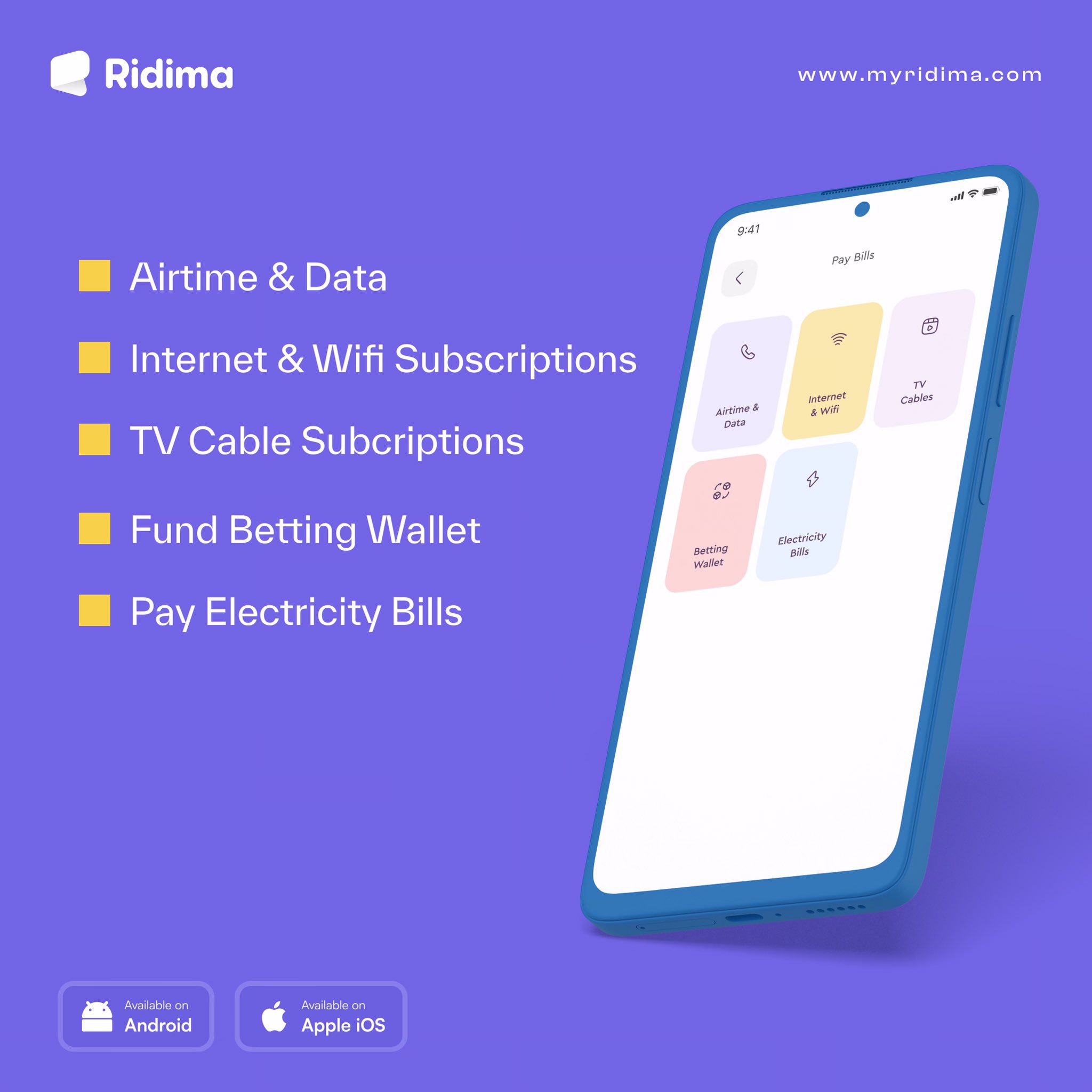
Here are the major five categories of bills payments available on our platform.
- Airtime and Data
- Internet and Wifi Subscriptions
- TV Cable Subscriptions
- Fund Betting Wallet
- Pay Electricity Bills.
Ridima Platform is 24/7 active; you can always buy airtime, pay bills and top up your subscriptions anytime any day.
You can save up to 2% with every bill payment made using Ridima.
We provide you with a 2% discount for all bill payments on our platform.
There’s nothing better than having access to pay your bills seamlessly.
Download our Mobile App here to start trading gift cards and pay for all your bills.
It’s easier than ever when you recharge or pay bills with Ridima app, download, and get started today.
List of Bills You can Pay on Ridima Platform
Below is the list of supported billers available on our app.
Airtime & Data
- MTN
- Airtel
- Glo
- 9mobile
Internet & Wifi
- Smile
- Spectranet
TV Cables Subscriptions
- DSTV
- GOTV
- Startimes
Betting Wallet
- Bet9ja
- SportyBet
- Ilot
- BetBonanza
- Parimatch
- BetKing
- Betlion
- 1xBet
- Betway
- Merrybet
- Bangbet
- Bet9ja Agent
- Naijabet
- MyLottoHub
- Paripesa
- Nairamillion
- Nairabet
Electricity Bills
- Abuja (AEDC)
- Eko (EKEDC)
- Enugu (EEDC)
- Jos (JEDC)
- Ibadan (IBEDC)
- Ikeja (IKEDC)
- Kaduna (KEDCO)
- Kano (KEDC)
- Port-Harcourt (PHEDC).
How To Buy Airtime/Data With Ridima App
Step 1: Log in to the Ridima App, locate, and click on the “Pay Bills” Menu.
Step 2: Click on the “Airtime & Data” option.
Step 3: Choose either “Airtime” or “Data” and select your “Network” (MTN, Glo, Airtel, or 9mobile).
Step 4: If you choose Data, then click the drop-down box to select “Data Plan.”
Step 5: Carefully enter your “Phone Number” or the recipient’s Phone Number.
Step 6: Enter the “Amount” you need for Airtime, while for Data, the price automatically appears once you select the data plan.
Step 7: Click on “Refill” and then you’re done.
Your mobile number will be recharged and the price will be deducted from your wallet balance.
How To Pay Bills With Ridima App
Here is the complete steps on how to Pay Bills With Ridima App.
Step 1: Log in to the Ridima App, locate, and click on the “Pay Bills” Menu.
Step 2: Click to select the Pay Bills option you want either; (Internet & Wifi, TV Cables, Betting Wallet or Electricity Bills).
Step 3: The “Internet & Wifi” option allows you to pay for any of Smile or Spectranet Plans.
Step 4: The “TV Cables” bill option allows you to pay for any of DSTV, GOTV, or Startimes Subscriptions.
Step 5: The “Betting Wallet” option allows you to pay and fund your betting wallets for any of the above-listed betting platforms.
Step 6: The “Electricity Bills” option allows you to pay for any of the above-listed electric bills in your area.
Step 7: After completing the steps for any of the options, click on “Verify” to proceed and make the bill payments.
Boom! You’ve successfully paid bills with no stress using our mobile app.
Conclusion
So, these are the step-by-step guide on how to top up your Airtime or Data and as well Pay Bills with Ridima App.
If you’re a gift card trader or a new user on our platform, you don’t need to worry because Ridima has everything for you here.
You can always trade your gift cards, get Airtime/Data and Pay any Bills directly from our Mobile App.
Enjoy!



Ridima is a giftcard trading platform available on Android, IOS, & Web.


For marketing and partnerships: marketing@myridima.com
support@myridima.com
© 2026 Ridima. All Rights Reserved